Take a website screenshot online
Capture full-page desktop and mobile screenshots for free. Enter a URL, choose a layout and download. No account or watermark.

Your recent captures
Stored in this browser. Screenshots are available for seven days.
Screenshot layouts
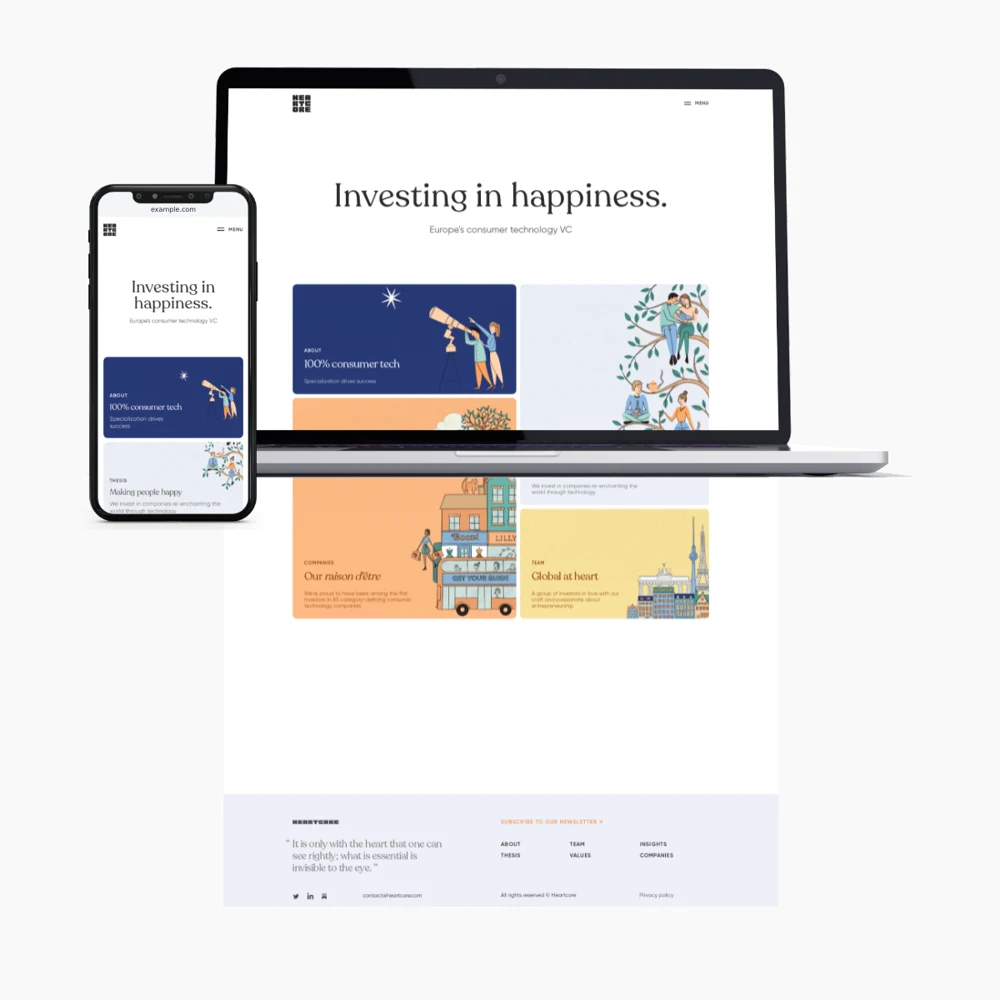
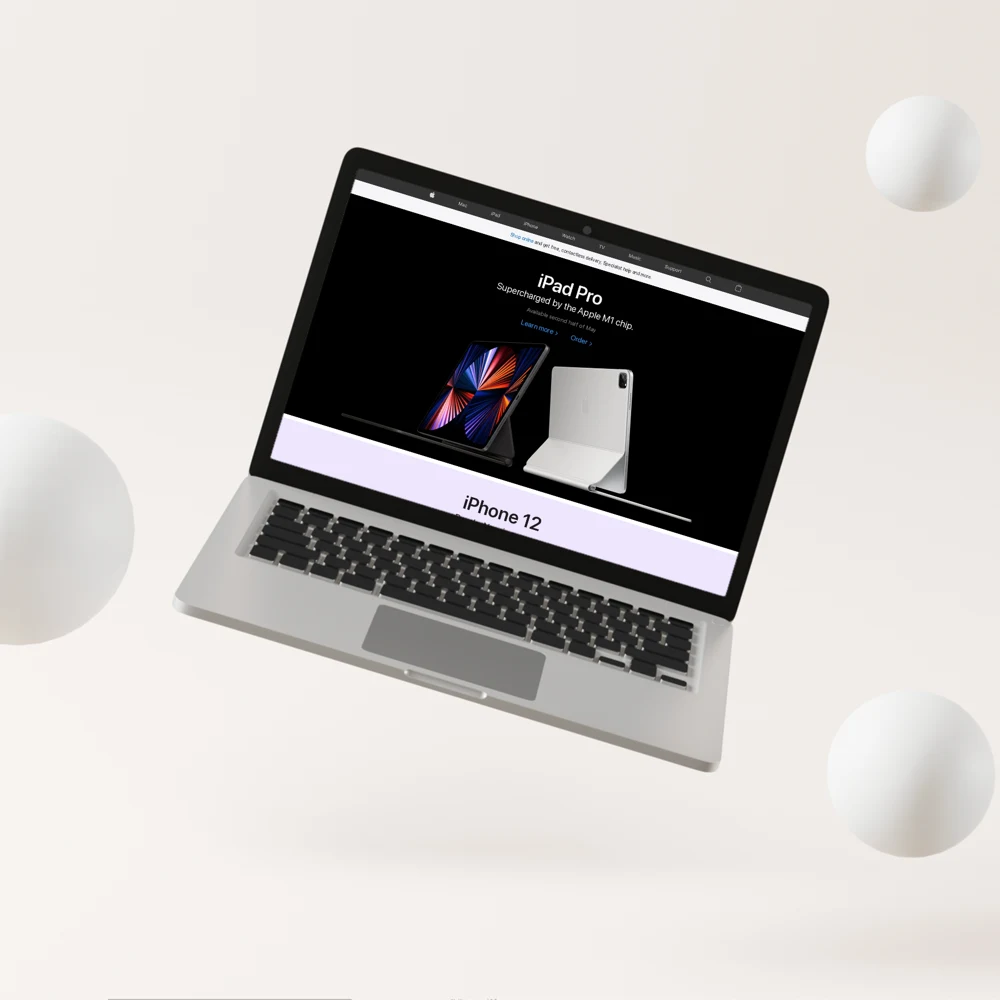
Show the whole page, put it in a browser frame or pair desktop and mobile views.
 View captures
Show desktop and mobile views together.
 View captures
Frame your website in a browser window.
 View captures
Put your website on a laptop screen.
A screenshot for your next project
Just launched a website? Add it to your portfolio, share it on Instagram or send it to your client. Snap turns a website into screenshots you can use wherever you show your work.
Choose a layout and background, then download the image. You can also upload screenshots you already have.
More ways to show your work
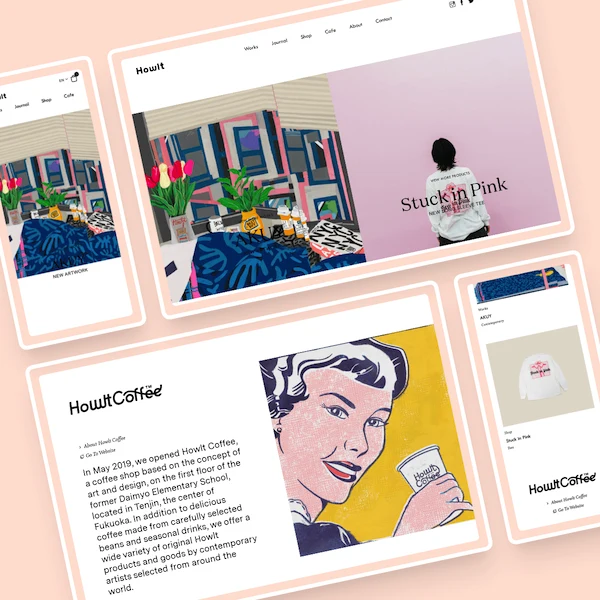
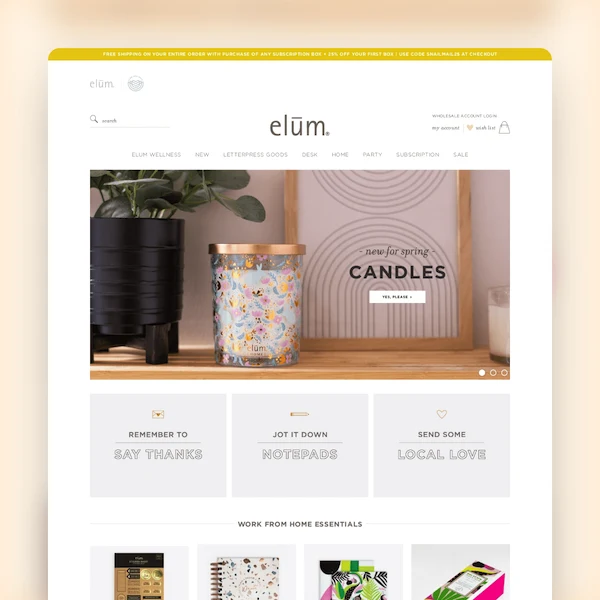
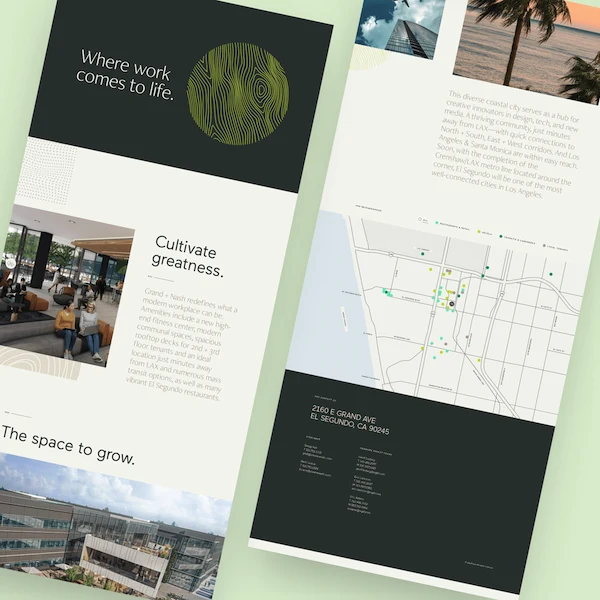
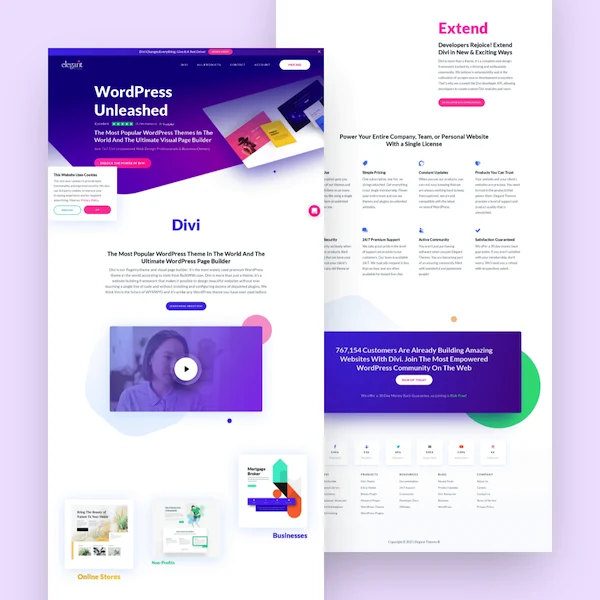
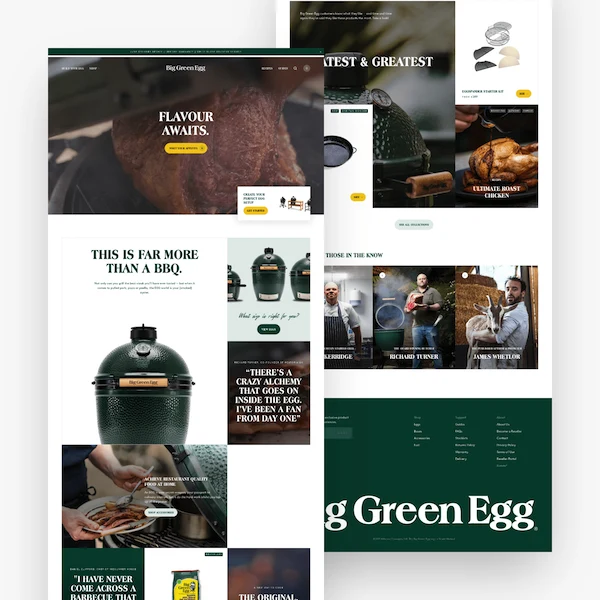
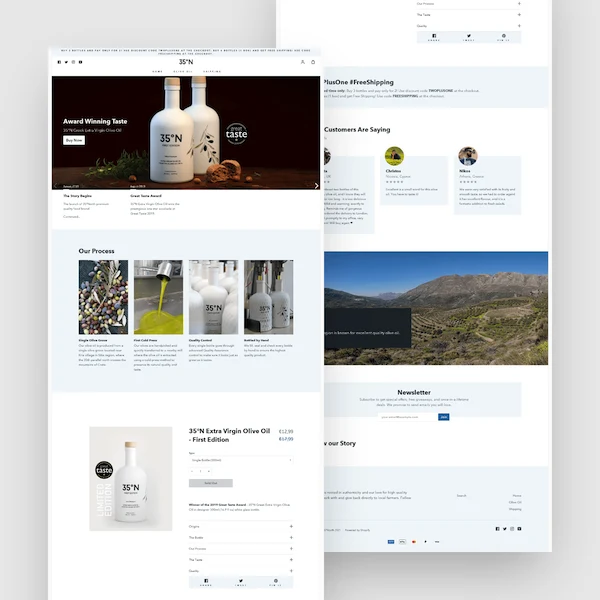
A few real websites captured with Snap.
How to take a website screenshot
- Enter your website
- Paste a URL above. We capture the desktop and mobile versions for you.
- Choose a layout
- Browse the previews and pick a background colour that suits your website.
- Download your image
- Save a PNG for your portfolio, presentation or next social post.
Full-page and mobile screenshots
Take a full-page website screenshot
Capture a public web page beyond the first screen. Snap takes desktop and mobile screenshots, then lets you download the originals or arrange them in a layout.
View the guideTake a mobile website screenshot
See your website at a phone-sized viewport without photographing a screen. Snap captures mobile and desktop versions together, ready to download or place in a device mockup.
View the guideWebsite screenshot questions
Can I screenshot my website for free?
Yes. Paste a public website URL into Snap and take desktop and mobile screenshots without an account. Downloads have no watermark. A submission limit applies when you make several captures.
Can I take a full-page website screenshot?
Yes. Snap scrolls the page to load content, then captures the full page. Download the original desktop or mobile image, or choose a layout for a portfolio or social post. Very long pages, animations and content loaded after scrolling can affect the result.
Which image formats can I download?
Screenshot layouts download as 1800 × 1800 PNG images. Original desktop and mobile screenshots are available separately from the capture’s download menu.
Can Snap capture a private page or a website that needs a login?
Snap captures public pages. It can’t use your browser’s login, open localhost or reach a private network. For those pages, take a screenshot yourself and use the upload option.
Does Snap remove cookie banners?
Snap tries to dismiss common cookie notices and load images before capturing the page. Some custom banners, bot protection and complex animations can still prevent a clean screenshot.
How long are my screenshots available?
Screenshot files are removed after seven days. Download anything you want to keep. Recent history is stored in your browser and expired entries are removed. Anyone with a capture link can open it while it’s available, so avoid capturing sensitive information.