Your website,
ready to show off.
Enter a website URL, choose a layout and download your screenshots.
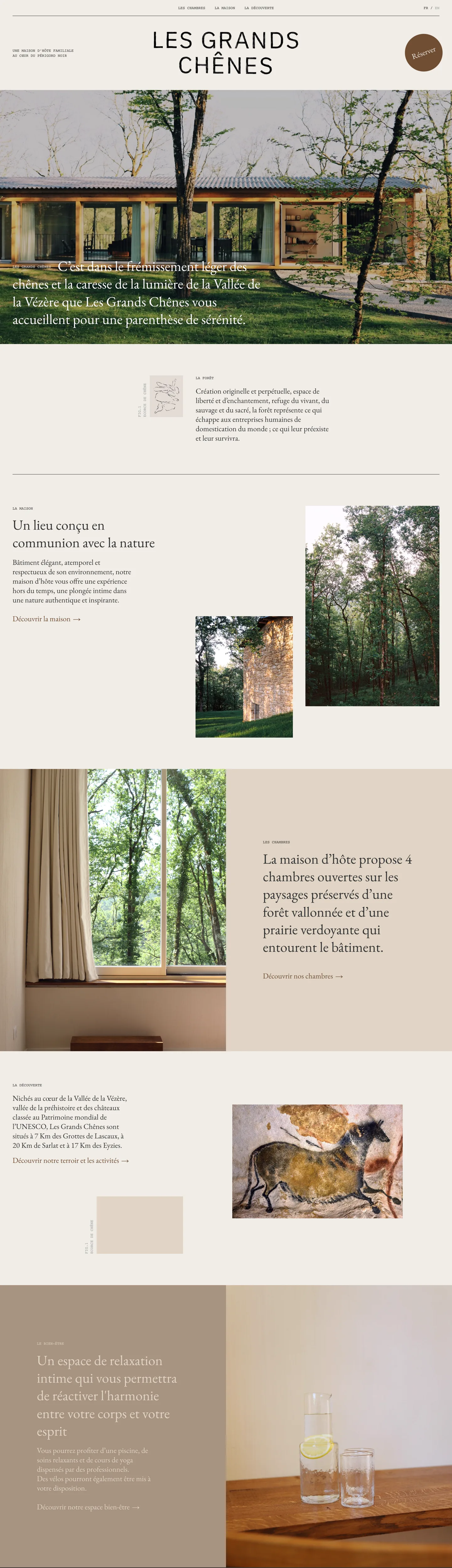
Your recent captures
Stored in this browser.
Screenshot layouts
Show the whole page, put it in a browser frame or pair desktop and mobile views.
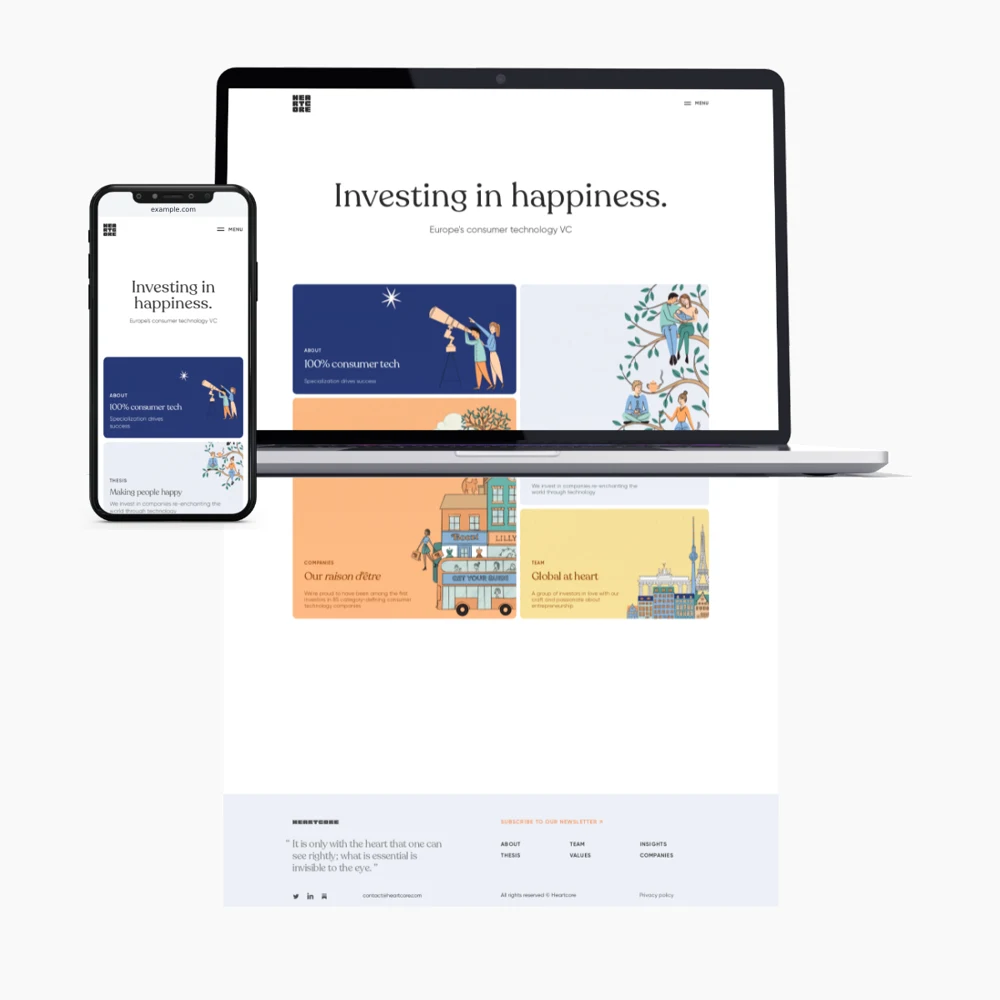 View captures
Show desktop and mobile views together.
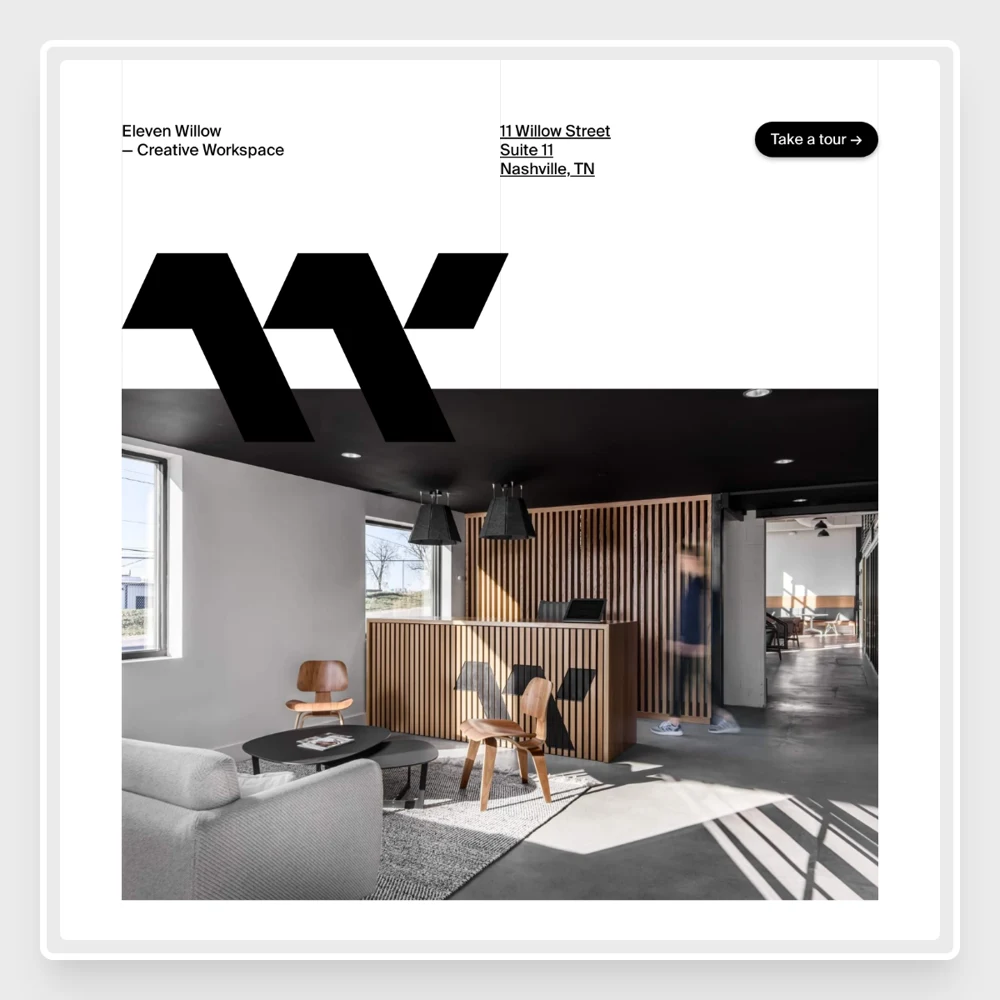 View captures
Frame your website in a browser window.
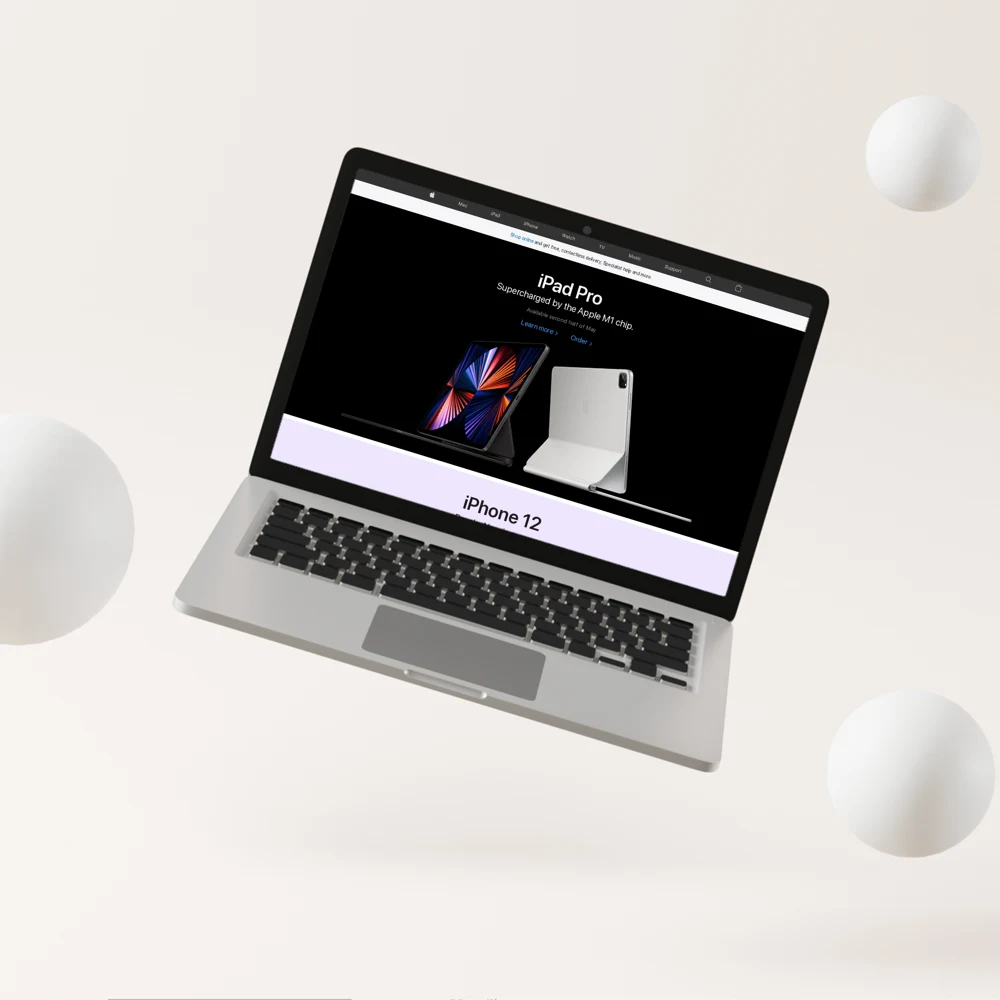 View captures
Put your website on a laptop screen.
A screenshot for your next project
Just launched a website? Add it to your portfolio, share it on Instagram or send it to your client. Snap turns a website into screenshots you can use wherever you show your work.
Choose a layout and background, then download the image. You can also upload screenshots you already have.
More ways to show your work
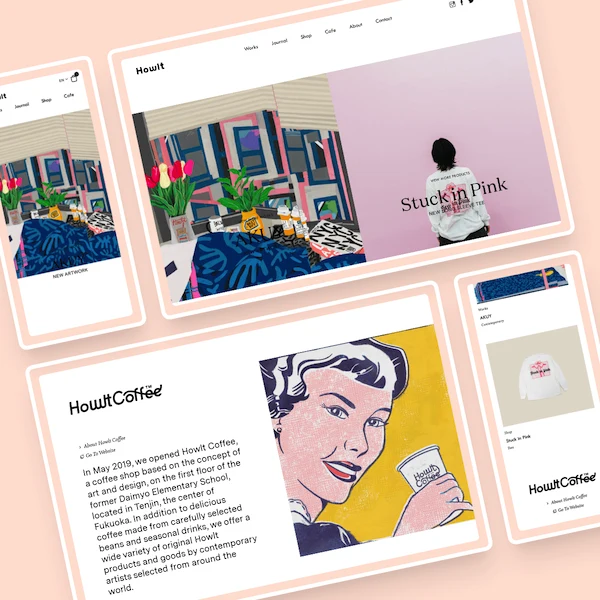
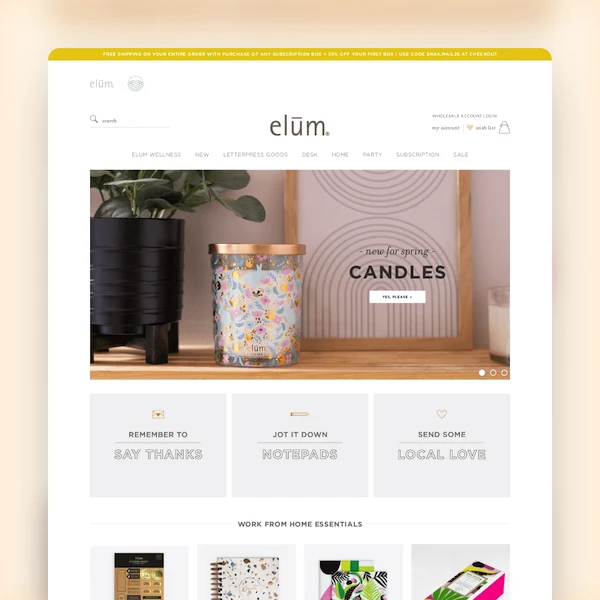
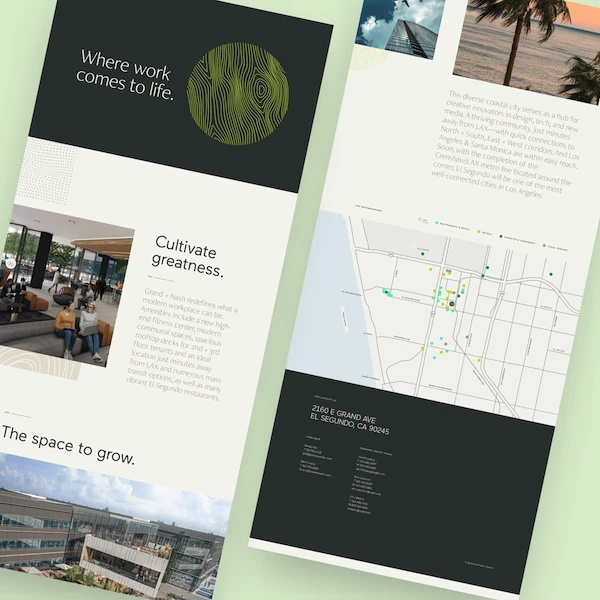
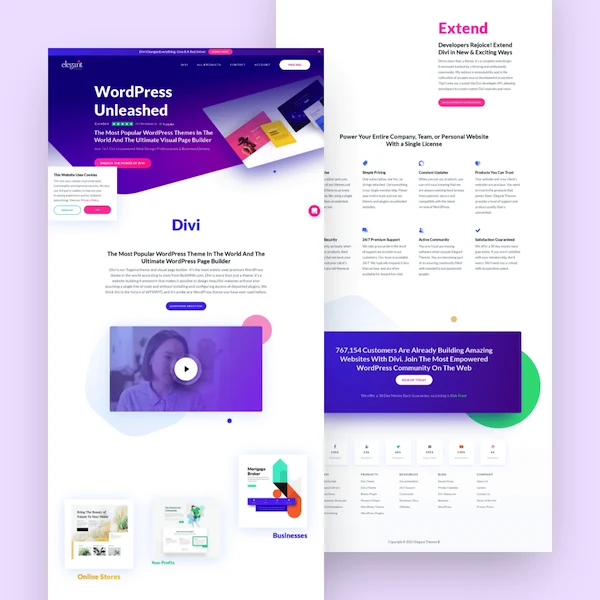
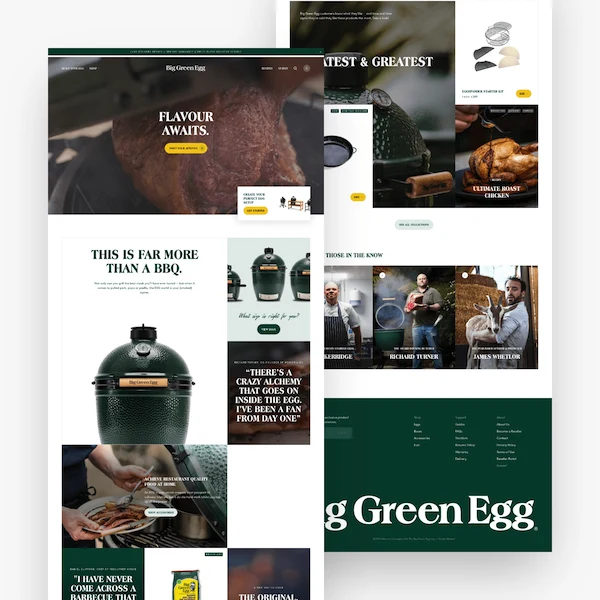
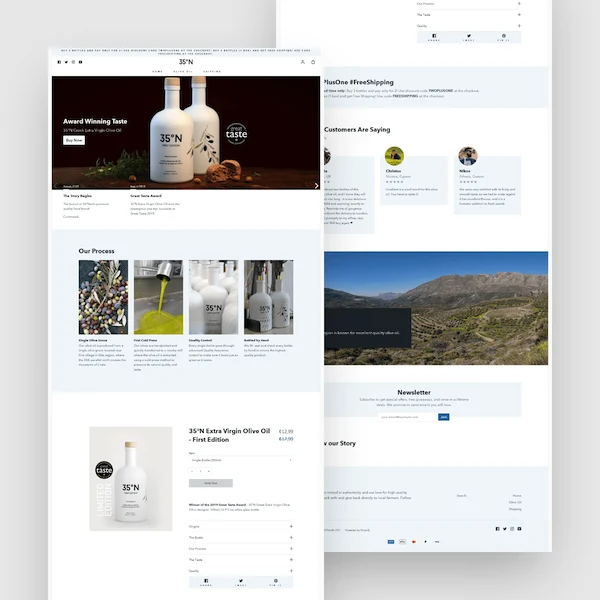
A few real websites captured with Snap.
From URL to download
- Enter your website
- Paste a URL above. We capture the desktop and mobile versions for you.
- Choose a layout
- Browse the previews and pick a background colour that suits your website.
- Download your image
- Save a PNG for your portfolio, presentation or next social post.